Workflow Optimisation
How the Development Team Exports Confluence to Markdown for GitHub Without Breaking Tables, Code, or Images
•
min read
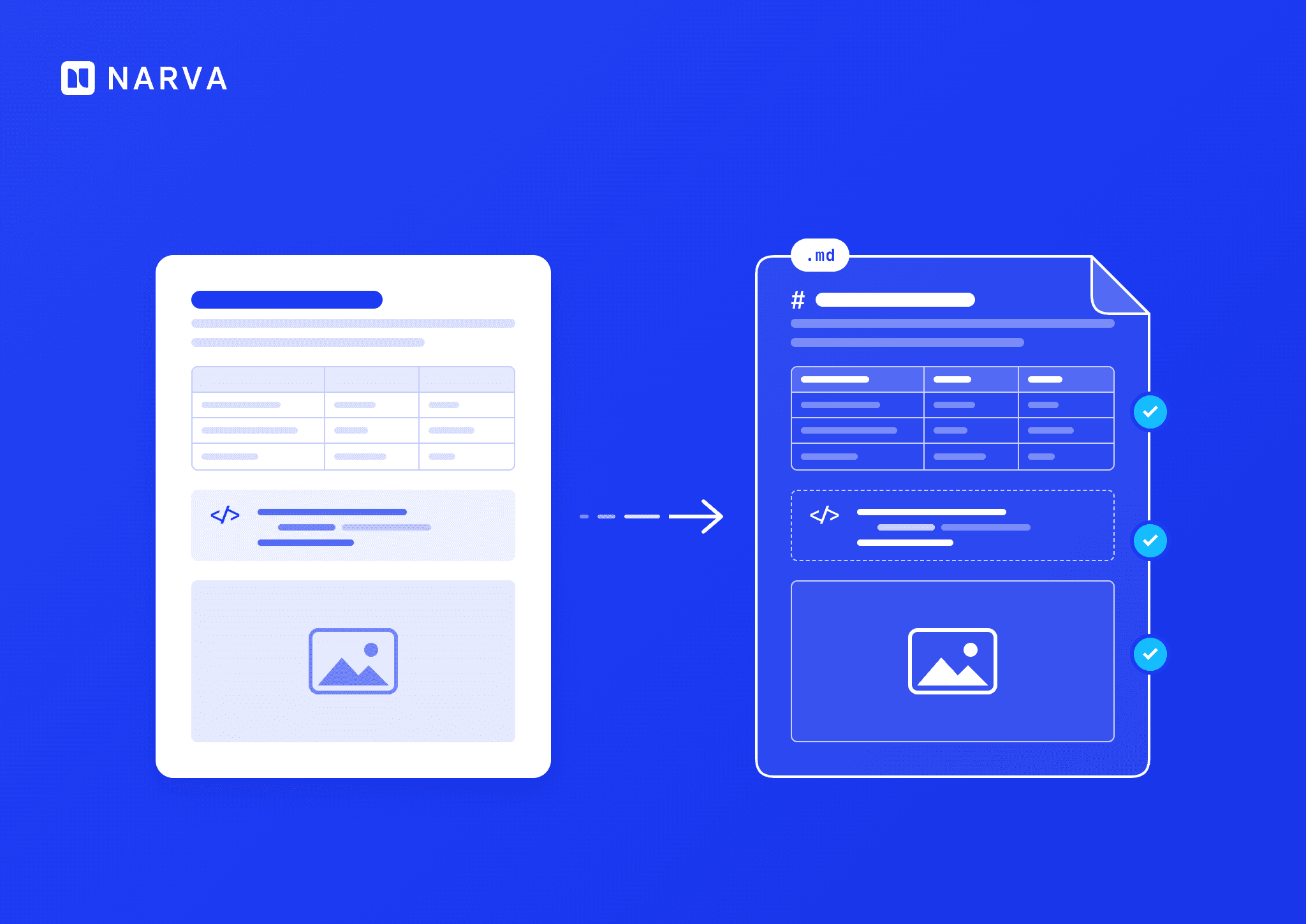




The fastest way to export Confluence to Markdown without broken tables, code blocks, or image links is Markdown Exporter for Confluence by Narva Software: open any page, select More actions (…) → Export to Markdown, and download clean GitHub Flavored Markdown with every image and attachment included.
This use case follows a real development team that writes internal documentation in Confluence and ships code-related docs through GitHub. Below, you will see the workflow they run, the problem they solved, the exact export steps, and how the approach compares with manual copy-paste and Confluence’s built-in exports.
Key takeaways
The workflow: The company uses Confluence for team knowledge, GitHub and Markdown editors for anything tied to code.
The problem: Manual copy-paste between Confluence and GitHub continuously broke tables, code blocks, and image links, and engineers spent hours fixing them.
The fix: Markdown Exporter for Confluence app that converts single pages, page trees, or whole spaces to Markdown in one action.
The result: Clean files on the first export, a tool that non-technical teammates use on their own, and far less cleanup work for engineers.
The workflow: Confluence for knowledge, GitHub for code
As many other development teams that use both Confluence and GitHub, this team also runs a split documentation stack. Confluence holds internal documentation that engineers, product managers, and other non-technical colleagues all read and edit. GitHub and Markdown editors hold the documentation that lives next to code: READMEs, runbooks, architecture notes, and developer guides.
This split reflects how developers work across the industry. In the Stack Overflow 2025 Developer Survey, which gathered responses from more than 49,000 developers in 177 countries, Markdown files ranked as the most admired documentation tool for the third year running, at 75.8% admired versus 40.2% for Confluence. The same survey named GitHub the most desired collaboration tool, at 59.3%.
The team’s documentation workflow, before and after:
Stage | Tool | Who works here | Typical content |
1. Write and review | Confluence | Engineers, product, support, and other non-technical staff | Specs, how-tos, onboarding guides, decision records |
2. Hand-off (before) | Manual copy-paste | Engineers | Rebuilt tables, re-fenced code, re-linked images |
2. Hand-off (after) | Markdown Exporter for Confluence | Anyone on the team | Clean .md files plus image and attachment folders |
3. Version and publish | GitHub and Markdown editors | Engineers | READMEs, docs-as-code repositories, static documentation sites |
The problem: a manual bridge that broke content
Before the team adopted an exporter, every move from Confluence to GitHub was a hand-built conversion.
“Our team heavily relies on both Confluence for internal documentation and GitHub/Markdown editors for development work. Moving content between the two used to be a tedious, manual process that broke tables, code blocks, and image links.”
Marek V.
The old process was tedious and manual, and content broke on almost every transfer.
What broke during copy-paste
Tables. Rows and columns collapsed into loose text, so engineers rebuilt each table in Markdown pipe syntax.
Code blocks. Code lost its fences and language tags, which removed syntax highlighting on GitHub.
Image links. Images still pointed at Confluence attachments, so readers on GitHub saw broken links.
Cleanup cost and time adds up
Small fixes on every page turn into lost engineering days. Atlassian’s State of Developer Experience 2025 report, based on a survey of 3,500 developers and managers, found that 50% of developers lose more than 10 hours a week to organizational inefficiencies, and 90% lose at least 6 hours. Developers ranked finding information, adapting to new technology, and context switching between tools as their top time-wasters. The same research puts actual coding at about 16% of a developer’s working week.
Switching tools also breaks focus. Research by Gloria Mark, professor of informatics at the University of California, Irvine, found that people take an average of 23 minutes and 15 seconds to return to a task after an interruption, as she explained in an interview with the Gallup Management Journal. Every manual Confluence-to-GitHub transfer is one of those interruptions.
Confluence’s built-in export does not close the gap
Atlassian’s export documentation lists Word, PDF, HTML, and XML as Confluence’s export formats. Markdown is not on that list. An HTML export still needs a second conversion step and manual cleanup before it is ready for a GitHub repository.
The Solution: How the team uses Markdown Exporter for Confluence
The development team started using the Markdown Exporter for Confluence from Narva Software to turn the content into markdown, exporting entire confluence space to Markdown or running Bulk export.
The app handles:
Task lists (checklists) and emojis
GitHub Flavored Markdown (GFM), with Confluence panels mapped to GFM alerts
draw.io and Gliffy diagrams
Images and attachments, exported alongside the Markdown files
Relative links between exported pages
Single pages, blog posts, folders, full page hierarchies, and entire spaces
Security built for enterprise documentation
The exporter runs client-side in the browser, so Confluence data is not transferred or stored outside the Atlassian environment. The app is Cloud Fortified, part of the Atlassian Marketplace Bug Bounty program, and GDPR compliant. Narva Software holds SOC 2 Type 2 certification, with reports available through the Narva Trust Center.
“The Markdown Exporter for Confluence has been an absolute game-changer for our workflow. It exports complex pages into perfectly clean Markdown files instantly, completely preserving the original structure, code syntax highlighting, and nested lists. The user interface is incredibly intuitive, making it seamless for both technical and non-technical team members to use. It has dramatically improved our documentation pipeline and saved our engineers countless hours of cleanup. On top of that, the app feels incredibly stable and lightweight. If you need a reliable, hassle-free way to bridge the gap between Confluence and Markdown, this app is worth every penny. Highly recommended!”
Marek V.
Export Confluence to Markdown in one click
Turn single pages, page trees, or entire spaces into clean, GitHub-ready Markdown, with tables, code blocks, and images intact. Free for 30 days.
Manual copy-paste vs. built-in export vs. Markdown Exporter
Confluence’s native exports produce Word, PDF, HTML, and XML, according to Atlassian’s documentation. The table compares the three ways teams move Confluence content into a Markdown workflow.
Criteria | Manual copy-paste | Confluence built-in export | Markdown Exporter for Confluence |
Output format | Hand-written Markdown | Word, PDF, HTML, XML | Markdown and GitHub Flavored Markdown |
Tables | Rebuilt by hand | Not output as Markdown | Converted to Markdown tables |
Code blocks | Fences re-added by hand | Not output as Markdown | Exported as code blocks |
Images and attachments | Downloaded and re-linked one by one | Format-dependent | Exported with the files and linked |
Links between pages | Break after the move | Format-dependent | Relative links preserved |
Bulk and space export | No | Yes, in HTML, PDF, or XML | Yes: page trees, folders, blogs, full spaces |
Extra conversion step | The whole job is conversion | Required to reach Markdown | None |
Who runs it | Engineers | Admins or space owners | Any team member with page access |
The Results
The team achieved four concrete outcomes after they switch from manual transfer to Narva Software’s Markdown Exporter for Confluence:
Clean files on the first export. Complex pages arrive as Markdown with their structure, code highlighting, and nested lists intact.
Self-service for the whole team. Technical and non-technical members export pages on their own, so engineers no longer act as the conversion desk.
Hours of cleanup removed. The reviewer credits the app with saving engineers countless hours and improving the team’s documentation pipeline.
A stable, lightweight tool. The app runs inside Confluence with no extra infrastructure to maintain.
These gains target the exact friction the industry data highlights. With 90% of developers losing at least 6 hours a week to inefficiencies, per Atlassian’s 2025 developer experience research, removing a recurring manual task returns time to work that ships product.